
Introduction
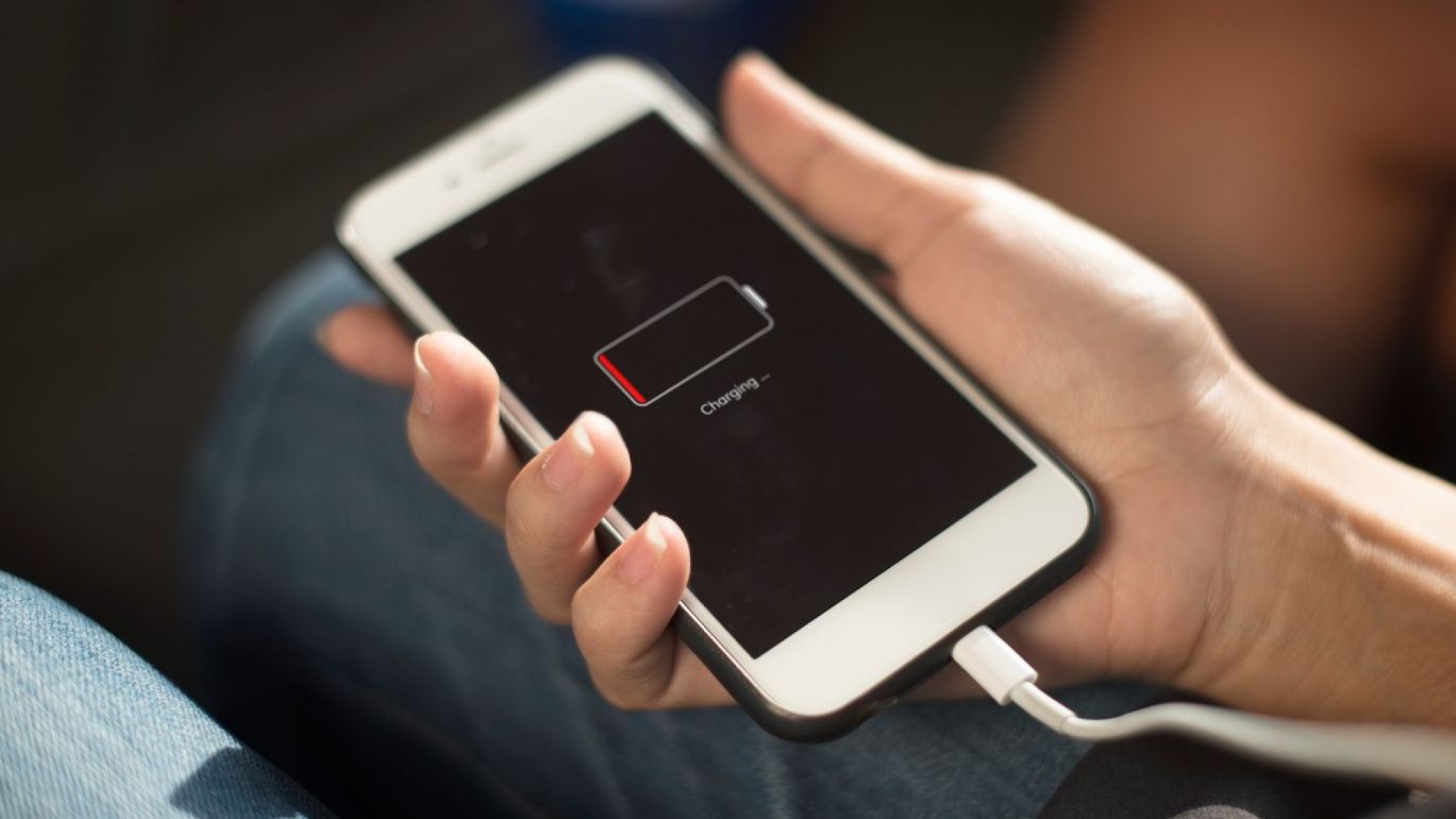
A mobile phone that does not charge properly can disrupt your daily routine. Whether you use your phone for business, communication, navigation, or online transactions, a charging problem can quickly become frustrating.
The good news is that not every charging issue requires an expensive repair. Understanding the possible causes can help you identify simple problems and determine when to visit a mobile phone service centre.
1. Faulty Charging Cable or Adapter
Sometimes the problem is not with your smartphone but with the charging accessories. Damaged cables, loose connectors, and defective adapters may prevent the battery from charging.
What to do: Test your phone using a known-working, compatible cable and adapter. Avoid damaged or uncertified accessories.
2. Dust or Debris in the Charging Port
Dust, lint, and other debris can accumulate inside the charging port. This may prevent the cable from connecting properly or cause intermittent charging.
What to do: Inspect the port visually and avoid inserting sharp objects or liquids. If the connection remains loose, have the port cleaned or inspected professionally.
3. Damaged Charging Port
Frequent plugging and unplugging, accidental pulling, moisture, or physical impact can damage the charging connector.
Common warning signs include:
The phone charges only at a certain cable angle.
The charging cable feels loose.
Charging repeatedly starts and stops.
The phone does not recognise the charger.
A technician can determine whether the charging port needs repair or replacement.
4. Battery Problems
Smartphone batteries gradually lose capacity as they age. A damaged or worn-out battery may charge slowly, drain rapidly, or prevent the phone from starting.
If the battery becomes unusually hot, swollen, or deformed, stop using and charging the device and arrange professional service promptly.
5. Software or System Errors
Occasionally, software problems can interfere with battery reporting or charging behaviour. A restart or appropriate software update may resolve certain issues.
However, repeated charging failures can indicate a hardware fault that requires further testing.
6. Internal Hardware or Motherboard Issues
If the cable, adapter, charging port, and battery are functioning correctly, the problem may involve internal charging circuitry or other motherboard components.
These faults require specialised diagnostic tools and technical expertise. Avoid opening the phone without the necessary equipment and experience.
When Should You Visit a Mobile Phone Repair Centre?
Consider professional assistance when your phone:
Does not charge with compatible accessories.
Keeps disconnecting from the charger.
Shows charging errors repeatedly.
Gets unusually hot while charging.
Has experienced liquid damage or physical impact.
At Finland Mobile Phone Service, our technicians handle mobile phone and tablet problems, including charging port faults and other hardware issues. We assess the device and explain the recommended repair before proceeding.
Conclusion
A charging problem does not always mean you need a new phone. Identifying the cause early can help you choose the right solution and avoid unnecessary expenses.
For mobile phone charging problems and repair assistance, contact Finland Mobile Phone Service.